Home | Cover Letter | Resume | Portfolio | Teach Me Something
Teach Me Something
Here we will learn how to search for positions on a Job Board. I will be using the Los Rios Community College District (LRCCD) job site as an example.
This is a good Job Board because it is user-friendly, and it contains a lot of additional information, including salary schedules.
Look Around the Home Page
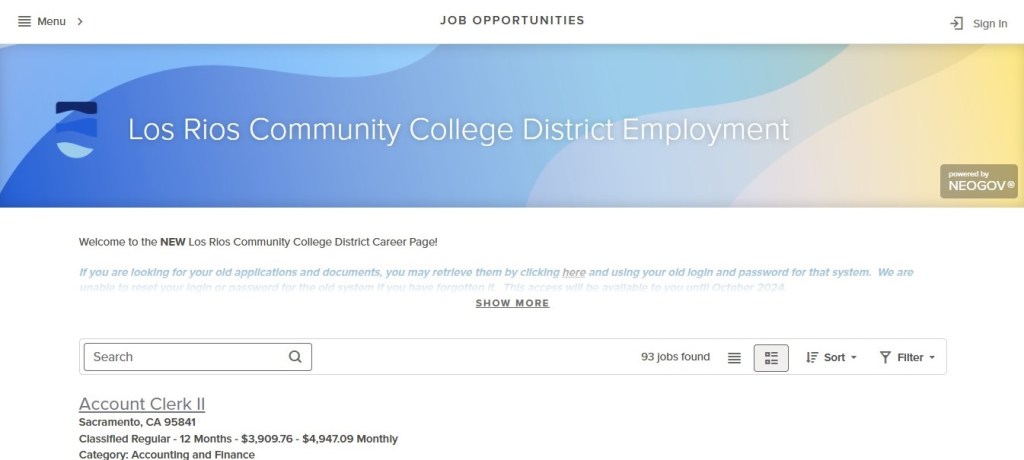
First, you will want to become familiar with the layout of the job site’s home page. Here you will see:
- Menu: At the top left corner is the Menu button. Click on it to see what pages are included on this site.
- Search: Type a key word or job title into the Search Box to go directly to the position(s) that interest you.
- #Jobs Found: To the right of the Search Box is the number of jobs found that are currently posted.
- Sort: Sort by date of posting, by A-Z or Z-A, or by salary amount.
- Filter: Filter by location, job category, job type, or estimated salary amount.
- Posting/Closing Date: At the bottom right of the job posting, you will see when the position was posted and the closing date.
Find a Job that Interests You
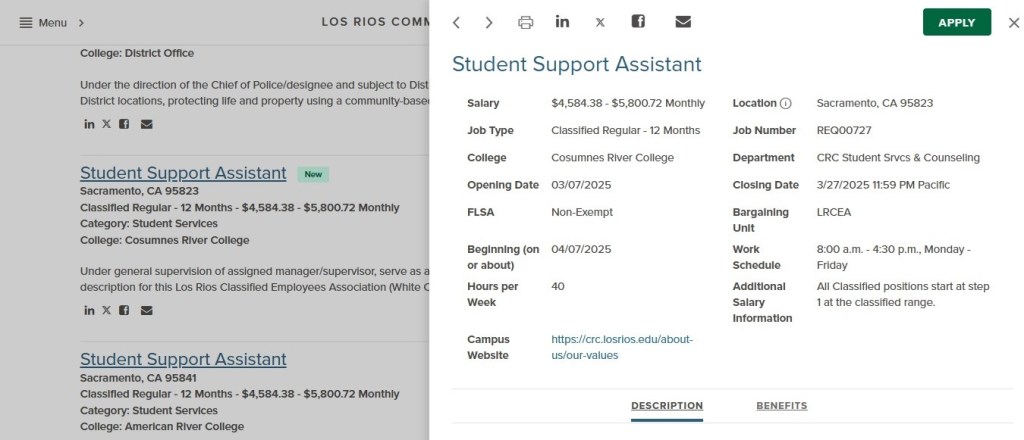
Once you find a job that interests you, click on it and you will see a pop-up window with more detailed information about the position and the “Apply” button. It will also inform you of what bargaining unit, if applicable, and benefits are associated with this position.
The icons on the top left corner indicate that you can print the job description, share it on LinkedIn or X, or you can email it to yourself or to someone else.
Apply for a Job
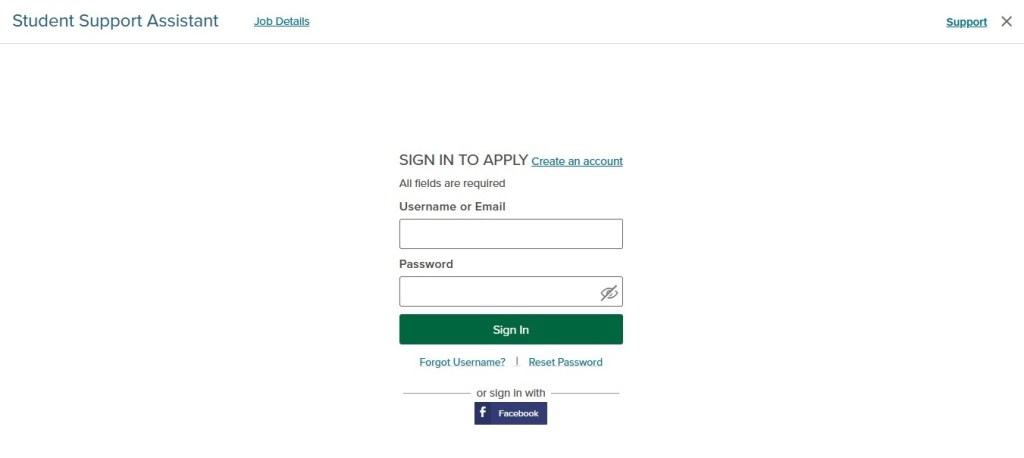
- Click on the “Apply” button
- You will be asked to create an account. Once you create an account, you will be taken to the application.
- Complete the application. Be sure to be thorough and accurate in your responses.
- When completing the Experience section, be sure to provide a detailed description of your previous positions. Do not say “Refer to resume.”
- If you are required to provide a cover letter and resume, be sure to note what file types are acceptable. In this case, only the PDF file type is acceptable.
- Once you complete the application, you hit submit. You will receive an email confirmation that the application has been received.
Explore Jobs and Salary Ranges
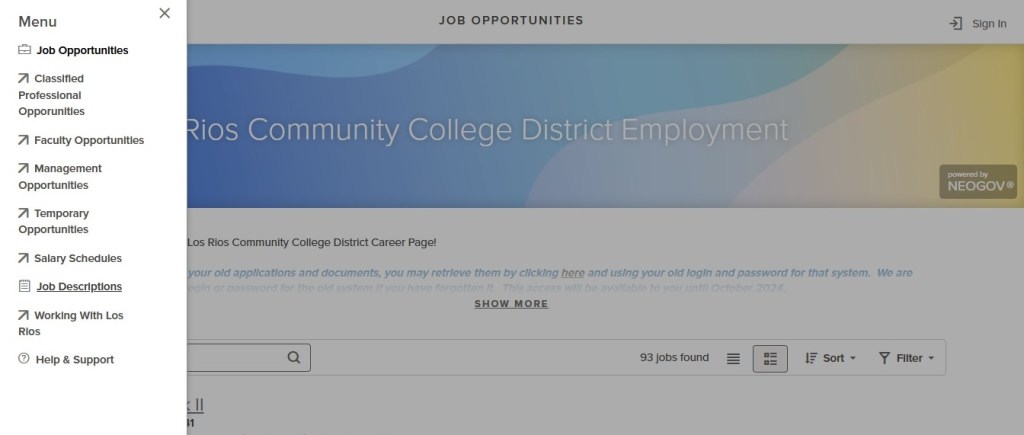
Click on the Menu button to see a link to Job Descriptions and another link to Salary Schedules. Here you can explore what types of jobs are availale at the college and district, as well as salary ranges for different jobs.
Exploring Working at LRCCD
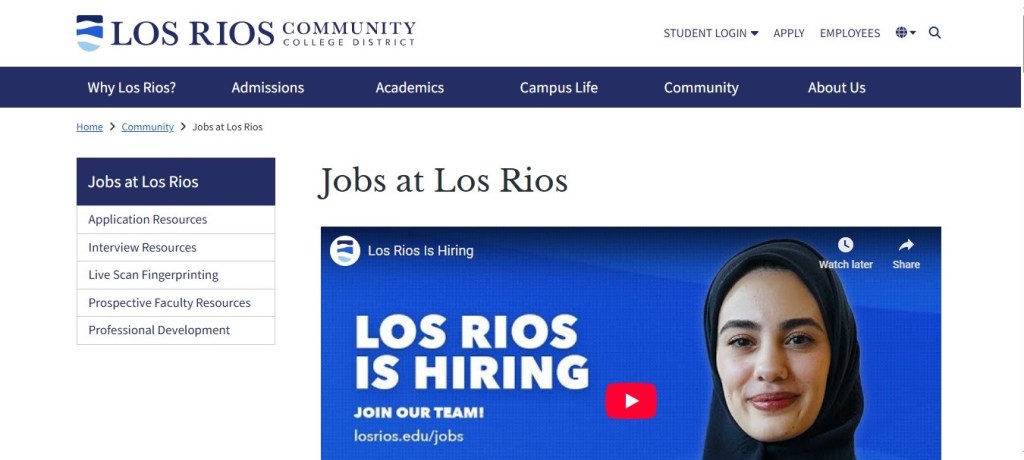
Finally, I encourage you to find out as much as you can about your potential employer, such as if they provide professional development opportunities, what are the company or organization’s values, and more. Also, check to see if your potential employer provides application and interview resources. If they do, be sure to use these resources to prepare for an application or interview.
Helpful Links
If you are interested in a career at LRCCD, please go to the following links:
If you would like to explore jobs at other community college districts in California, please click on the following link:
 cisw306Sp25carmenp